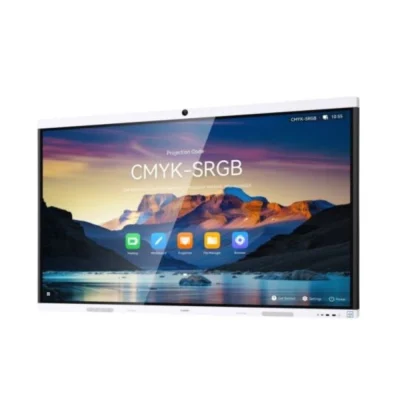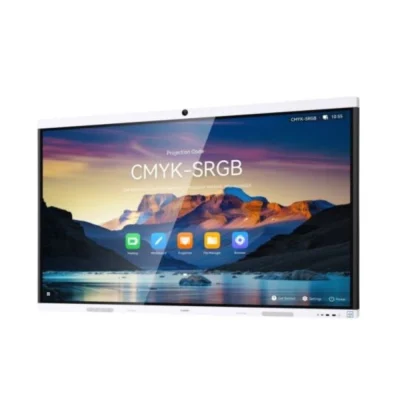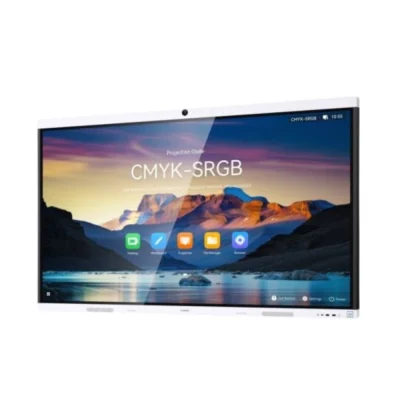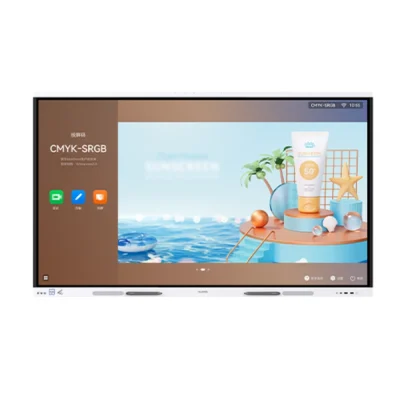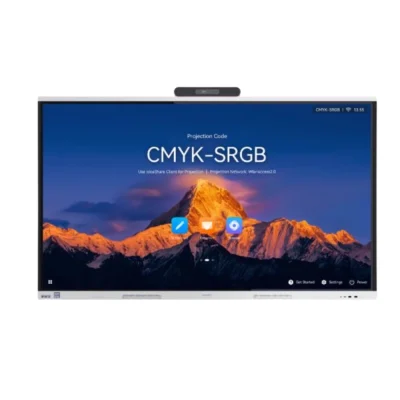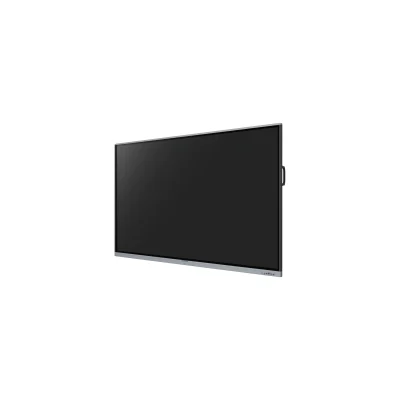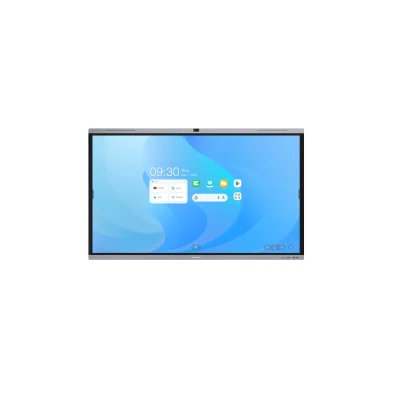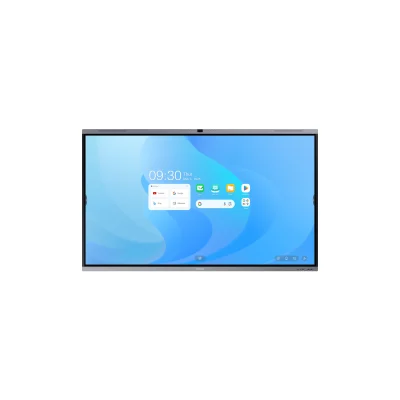
Meeting Room Displays UAE – Smart Collaboration Displays for Modern Offices
Create more productive and connected meeting spaces with meeting room displays in UAE from Xplus Digital. Modern meeting room displays combine high-resolution screens with interactive collaboration, wireless presentation and conferencing capabilities to help teams communicate and work more effectively.
Whether you are setting up a small huddle room, corporate meeting room, executive boardroom or large conference room, the right display can make presentations, video meetings, brainstorming and team collaboration easier.
Xplus Digital supplies meeting room displays in Dubai and across the UAE from leading brands including MAXHUB, Huawei, Yealink and other professional AV brands. Choose from different screen sizes and configurations based on your room size, number of participants and collaboration requirements.
What Is a Meeting Room Display?
A meeting room display is a professional large-format screen designed for business meetings, presentations, collaboration and conferencing.
Unlike a standard television, a dedicated meeting room display can provide features designed specifically for workplace collaboration, such as touchscreen interaction, digital whiteboarding, wireless screen sharing and compatibility with video conferencing systems.
Depending on the model, meeting room displays can support:
- Business presentations
- Wireless screen sharing
- Digital whiteboarding
- Touchscreen collaboration
- Video conferencing
- Online meetings
- Document annotation
- Brainstorming
- BYOD and BYOM workflows
- Microsoft Teams and Zoom environments
- Hybrid meetings
The exact capabilities vary by model, operating system and connected equipment.
Meeting Room Displays for Modern Businesses
Modern workplaces often include employees working from different locations. A professional meeting room display can help bring presentations, remote participants and shared content together in one meeting environment.
Teams can use a meeting room display to present information from laptops, collaborate on ideas, annotate documents and communicate with remote colleagues.
For companies upgrading their conference rooms, an interactive collaboration display can also reduce the need for multiple separate devices.
Meeting Room Display Applications
Meeting room displays can be used across different business environments.
Corporate Meeting Rooms
Use large interactive displays for team meetings, project discussions, presentations and day-to-day collaboration.
Executive Boardrooms
Premium displays can provide a professional presentation environment for management meetings, client presentations and strategic discussions.
Huddle Rooms
Compact meeting spaces can benefit from smaller displays that support quick collaboration and wireless presentation.
Conference Rooms
Larger displays can provide better visibility for presentations and remote participants in medium and large conference rooms.
Training and Workshop Rooms
Meeting room displays can also support employee training, workshops and collaborative learning sessions.
Client Presentation Rooms
High-resolution displays can help businesses present proposals, product demonstrations, reports and visual content professionally to customers and partners.
Interactive Meeting Room Displays
An interactive meeting room display combines a large touchscreen with collaboration and presentation capabilities.
Participants can interact directly with content, write notes on a digital whiteboard, annotate documents and brainstorm ideas on the screen.
Interactive displays can be particularly useful for meetings where participants need to contribute rather than simply watch a presentation.
Common Interactive Collaboration Features
Depending on the model, features can include:
- Touchscreen interaction
- Digital whiteboarding
- Multi-touch
- Digital annotation
- Wireless presentation
- Screen sharing
- USB-C connectivity
- HDMI connectivity
- Built-in speakers
- Integrated microphones
- Camera compatibility
- Video conferencing support
Wireless Screen Sharing for Meeting Rooms
Wireless screen sharing allows employees to present content from compatible laptops, tablets and smartphones without connecting multiple cables to the main display.
This can make meetings faster and more flexible.
A team member can share a presentation, spreadsheet, website or other business content on the meeting room display and then hand over presentation control to another participant where supported.
Wireless sharing requirements vary between manufacturers and models, so it is important to select a solution that works with your organization’s devices and meeting workflow.
Meeting Room Displays for Video Conferencing
Many modern meeting rooms require both physical and remote collaboration.
A suitable meeting room display can work alongside:
- Conference cameras
- Microphones
- Speakers
- Video bars
- Wireless presentation systems
- Room computers
- USB peripherals
Depending on the solution, meeting platforms such as Microsoft Teams, Zoom and Google Meet can be used with compatible hardware and software.
For businesses planning hybrid meetings, Xplus Digital can help combine the display with the required conferencing equipment.
Meeting Room Display Sizes
Choosing the right screen size depends on the room dimensions, viewing distance and number of participants.
55-Inch to 65-Inch Meeting Room Displays
Suitable for:
- Small meeting rooms
- Huddle rooms
- Small collaboration spaces
- Compact offices
75-Inch Meeting Room Displays
A 75-inch display can be suitable for medium-sized meeting rooms where participants need a larger viewing area for presentations and collaboration.
86-Inch Meeting Room Displays
An 86-inch display can be useful for larger conference rooms, boardrooms and spaces where participants are seated farther away from the screen.
98-Inch and Larger Displays
Large-format displays can be considered for large conference rooms, training environments and presentation spaces where maximum visibility is required.
The ideal screen size should be selected according to the actual room layout rather than simply choosing the largest available display.
Meeting Room Display vs Standard TV
A standard television is primarily designed for viewing entertainment content. A professional meeting room display is designed around business presentation and collaboration requirements.
| Standard TV | Meeting Room Display |
|---|---|
| Mainly designed for viewing | Designed for collaboration |
| Limited business features | Presentation and collaboration features |
| Usually non-interactive | Interactive on supported models |
| Consumer-oriented connectivity | Business AV connectivity |
| Limited collaboration tools | Wireless sharing on compatible models |
| Not designed specifically for conferencing | Designed to integrate with conferencing equipment |
| Basic remote control | Business collaboration workflows |
For professional meeting environments, choosing a display designed for workplace collaboration can provide a more suitable long-term solution.
Key Features to Consider When Choosing a Meeting Room Display
4K Resolution
A 4K UHD display can provide clear text, spreadsheets, presentations, images and video content on large screens.
Touch Interaction
Touch-enabled displays allow participants to write, annotate and interact directly with meeting content.
Wireless Presentation
Wireless sharing can make it easier for employees to present from laptops and mobile devices.
Digital Whiteboarding
Digital whiteboarding allows teams to brainstorm, create diagrams and record ideas directly on the display.
USB-C Connectivity
USB-C can provide convenient connectivity for compatible laptops and devices, depending on the display configuration.
HDMI Connectivity
HDMI remains useful for connecting laptops, PCs, media sources and other AV equipment.
Built-In Audio
Integrated speakers can simplify meeting-room setups, particularly in smaller rooms.
Video Conferencing Compatibility
For hybrid meetings, consider displays and collaboration systems that can work with your preferred conferencing platform and compatible cameras, microphones and speakers.
BYOD and BYOM Support
Bring Your Own Device (BYOD) and Bring Your Own Meeting (BYOM) workflows can allow employees to use their own laptops and conferencing applications while using the room’s display and AV equipment.
Meeting Room Display Brands in UAE
Xplus Digital provides meeting room display solutions from leading professional AV and collaboration brands.
MAXHUB Meeting Room Displays
MAXHUB offers interactive flat panels and all-in-one conference displays designed for presentation, collaboration and meeting environments.
Selected MAXHUB models available from Xplus Digital include the XBoard V7 series and U-Series interactive flat panels.
Huawei IdeaHub
Huawei IdeaHub displays are designed for business collaboration, presentation and interactive meeting environments. Xplus Digital currently lists IdeaHub B3 and S3 models in multiple screen sizes.
Yealink MeetingBoard
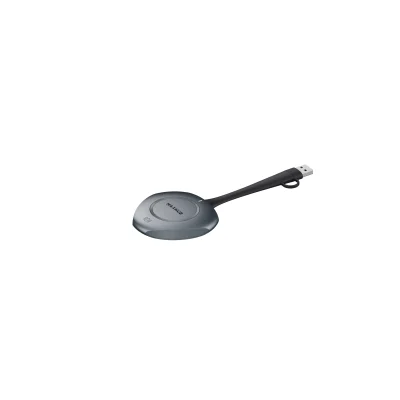
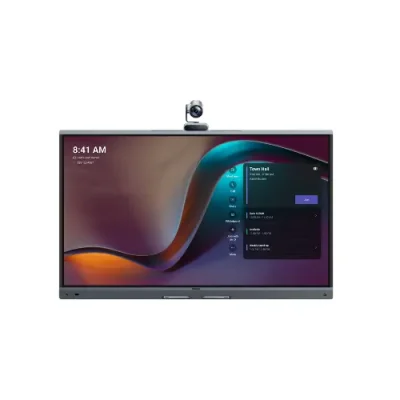
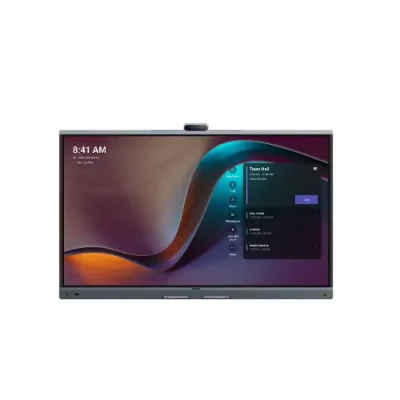
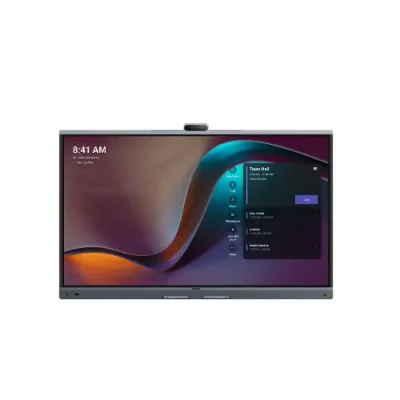
Yealink MeetingBoard combines meeting-room collaboration with conferencing capabilities, making it suitable for businesses looking for an integrated meeting-room solution. Xplus Digital lists MB65Pro, MB75Pro and MB86Pro models.
Meeting Room Display Price in UAE
The meeting room display price in UAE depends on the display size, brand, resolution, touch capabilities and collaboration features.
Pricing can also vary depending on whether you require additional meeting-room equipment such as:
- Conference camera
- Microphone
- Speakers
- Video bar
- Wireless presentation system
- Mobile stand
- Wall mount
- Room PC
- Installation and AV integration
A 65-inch interactive display for a small meeting room will have different requirements from an 86-inch all-in-one collaboration display for a boardroom.
For current pricing and availability, contact Xplus Digital for a recommendation based on your meeting-room requirements.
How to Choose the Right Meeting Room Display
Before purchasing a meeting room display, consider the following:
1. Room Size
Measure the room and consider the distance between participants and the display.
2. Number of Participants
Larger groups generally require a larger display so presentations and shared content remain easy to view.
3. Meeting Type
Determine whether your room is mainly used for presentations, brainstorming, video conferencing, client meetings or a combination of these.
4. Touch Requirements
If teams regularly brainstorm or annotate content, an interactive touchscreen display may be more appropriate than a standard commercial display.
5. Conferencing Requirements
If you conduct hybrid meetings, consider the camera, microphone, speaker and software requirements alongside the display.
6. Connectivity
Check whether your employees need HDMI, USB-C, wireless sharing, network connectivity or BYOD/BYOM support.
7. Future Expansion
Choose a platform that can accommodate future collaboration and conferencing requirements.
Meeting Room Display Installation in Dubai and UAE
A professional installation helps ensure that the display is positioned correctly and that connected AV equipment works together.
Xplus Digital provides meeting room display supply and AV installation support in:
- Dubai
- Abu Dhabi
- Sharjah
- Ajman
- Ras Al Khaimah
- Fujairah
- Umm Al Quwain
Depending on the room, displays can be installed using a wall mount or mobile stand.
For larger projects, the display can be integrated with conference cameras, microphones, speakers, wireless presentation systems and other AV equipment.
Meeting Room Collaboration Solutions
A meeting room display is often one part of a complete collaboration environment.
A professional meeting room can include:
Display
- Interactive display
- Commercial display
- Large-format presentation screen
Video
- Conference camera
- PTZ camera
- Video bar
Audio
- Table microphones
- Ceiling microphones
- Room speakers
- Soundbars
Collaboration
- Wireless presentation
- Digital whiteboarding
- BYOD/BYOM
- Screen sharing
Installation
- Wall mounting
- Mobile display stands
- Cable management
- AV integration
Xplus Digital can help businesses select compatible equipment and develop a meeting-room setup based on the room size, usage and budget.
Why Choose Xplus Digital for Meeting Room Displays?
Xplus Digital supplies professional AV and display solutions for businesses across Dubai and the UAE.
Our team can assist with:
- Meeting room display selection
- Screen-size recommendations
- Product comparisons
- Interactive display demonstrations
- Wireless presentation solutions
- Video conferencing equipment
- AV installation
- Meeting-room integration
- Technical support
Whether you need a display for a small huddle room or a complete collaboration solution for a corporate boardroom, we can help you select the appropriate technology.
Frequently Asked Questions About Meeting Room Displays
What is a meeting room display?
A meeting room display is a professional screen designed for presentations, collaboration, digital whiteboarding and, on compatible solutions, video conferencing.
What is the best meeting room display for a corporate office?
The best display depends on room size, number of participants, meeting type and required collaboration features. Common options include 65-inch, 75-inch and 86-inch displays.
What size display is best for a conference room?
The correct size depends on viewing distance and room dimensions. Smaller rooms may suit 55-inch or 65-inch displays, while larger conference rooms may benefit from 75-inch, 86-inch or larger screens.
Are meeting room displays interactive?
Some meeting room displays are touchscreen and support digital whiteboarding, annotation and multi-touch interaction. Other professional meeting displays are non-touch.
Can a meeting room display connect to a laptop?
Yes. Depending on the model, laptops can connect through HDMI, USB-C or wireless screen-sharing technology.
Can meeting room displays support Microsoft Teams and Zoom?
Compatible meeting-room systems can work with Microsoft Teams, Zoom and other conferencing platforms. The exact setup depends on the display, operating system and connected conferencing hardware.
What is the difference between an interactive display and a meeting room display?
An interactive display describes the touchscreen and collaboration technology, while a meeting room display describes its business application. Many modern meeting room displays are interactive displays designed specifically for corporate collaboration.
How much does a meeting room display cost in UAE?
Pricing depends on brand, size, resolution, touch capability and collaboration features. Additional conferencing and installation requirements can also affect the overall project cost.
Do you provide meeting room display installation in Dubai?
Yes. Xplus Digital provides display installation and AV integration support for meeting rooms and corporate environments in Dubai and across the UAE.
Upgrade Your Meeting Room with the Right Display
Improve presentations, collaboration and hybrid meetings with a professional meeting room display in Dubai or anywhere in the UAE.
Explore Xplus Digital’s range of interactive and collaboration displays, compare screen sizes and features, and choose a solution that fits your meeting environment.
Contact Xplus Digital for current meeting room display prices, product recommendations, demonstrations and installation support in the UAE.